Find a 5-Letter Word Starting With ASK Using Your Tile Clues
Find a 5-letter word starting with ASK, compare ASKED, ASKER and ASKEW, and narrow the shortlist using your Wordle tile clues.
- Words Starting With
- Wordle Tile Clues
On this page
A quick search for five-letter words starting with “ASK” provides some examples, and you can find them all in WordHippo and Word Find’s word lists.
Five-letter words starting with ASK
Both lists include the three options I’ve focused on: ASKED, ASKER, and ASKEW. All have A as the first letter, S as the second, and K as the third.
WordHippo has a few more additional entries, including ASKES, ASKEY, ASKOI, and ASKOS. Word Find has two of those (ASKOI and ASKOS).
But there’s no universal total because appearing on these word lists doesn’t mean they’re current Wordle guesses or answers.
The distinction between these lists is key: one includes five-letter ASK-prefix matches; the other is a Scrabble and Words With Friends resource. So while these words might appear in your word list, you can’t assume that Wordle will accept them without proof.
Use tile colors to filter possible words
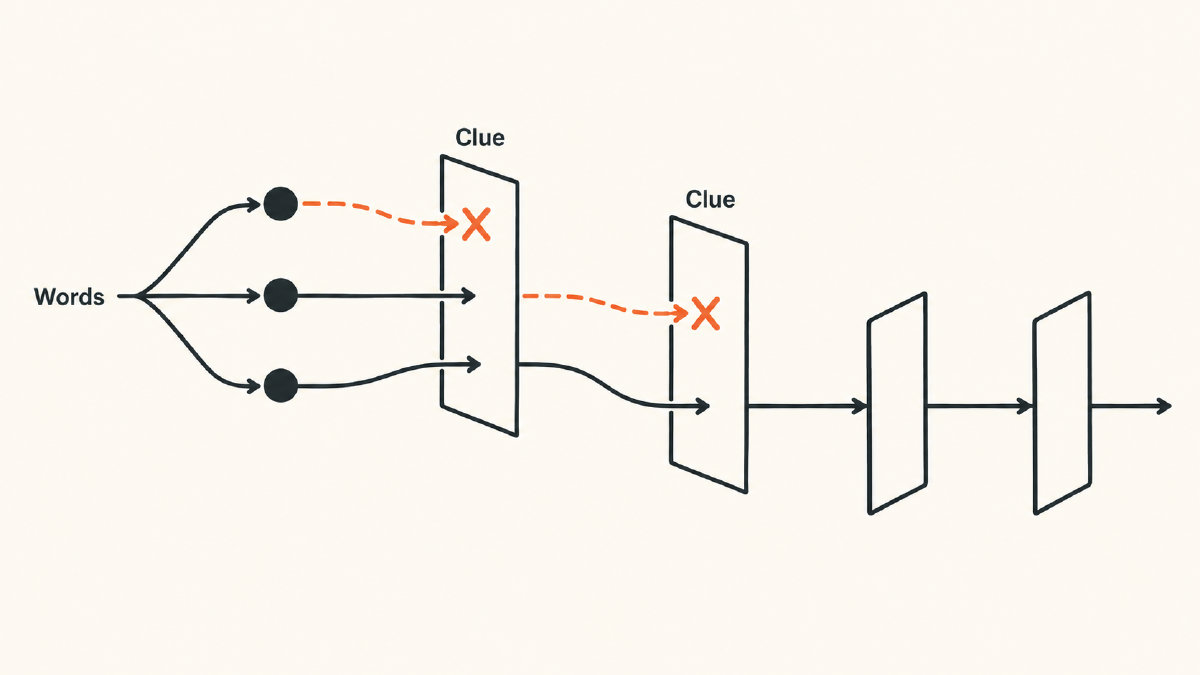
In addition to the letters you know from the tiles, you’ll also see the tile colors: green means the correct letter is in the right place, yellow indicates it’s somewhere else in the word, and gray means that letter isn’t used at all. Use the example below to help filter down possible words:
If you knew that “ASK” was the beginning of the word, then green would be assigned to A, S, and K. Within the three-word shortlist I’ve focused on, that keeps all three possibilities alive. Then, if E were the next correct letter, then green would be assigned to E, too, keeping the three options alive.
Gray could eliminate an option entirely. For example, if D is marked gray and wasn’t guessed more than once, then D is absent, meaning “ASKED” would be removed.
On the flip side, yellow could keep an option alive. If you already had R in position four, then “ASKER” remains within our shortlist.
You’ll also need to differentiate absent letters from extra copies. While yellow lets you know that a letter is in the word but just not in the right place, gray tells you that the letter isn’t used in the puzzle. But it’s possible that you could’ve guessed an extra copy of the letter in another spot, which could still be included.
Apply your clues with the word finder
Use the five-letter word finder to apply personal clues to this word puzzle: enter greens under “Known letters,” yellows under “Include letters,” and absent letters under “Exclude letters.” Use “Add letters not in this spot” for yellow-position restrictions, distinguishing absent letters from gray extra copies. You can try entering your own five-letter guesses in the solver tool, tapping each tile once for yellow, twice for green, or three times to turn it gray again, but remember that the tiles will always be hypothetical and won’t affect live gameplay.
Sources
Try it yourself
Free, in your browser. Nothing you type is uploaded.
More in 5 Letter Words
- 5 Letter Words With E as the Second Letter for WordleFind 5 letter words with E as the second letter, then narrow your Wordle shortlist using green, yellow, gray and repeated-letter clues.
- 5-Letter Words Starting With GEL and How to Narrow Them DownFind 5-letter words starting with GEL, learn their meanings, and narrow the dictionary shortlist using your Wordle tile clues.
- 5 Letter Words That Start With P for Your Next Wordle GuessFind 5 letter words that start with P, then narrow your shortlist using green positions, yellow clues, gray letters and repeated-letter feedback.